Google Maps
How to Show Up on Google in Henderson, Summerlin, and North Las Vegas (Not Just Las Vegas)
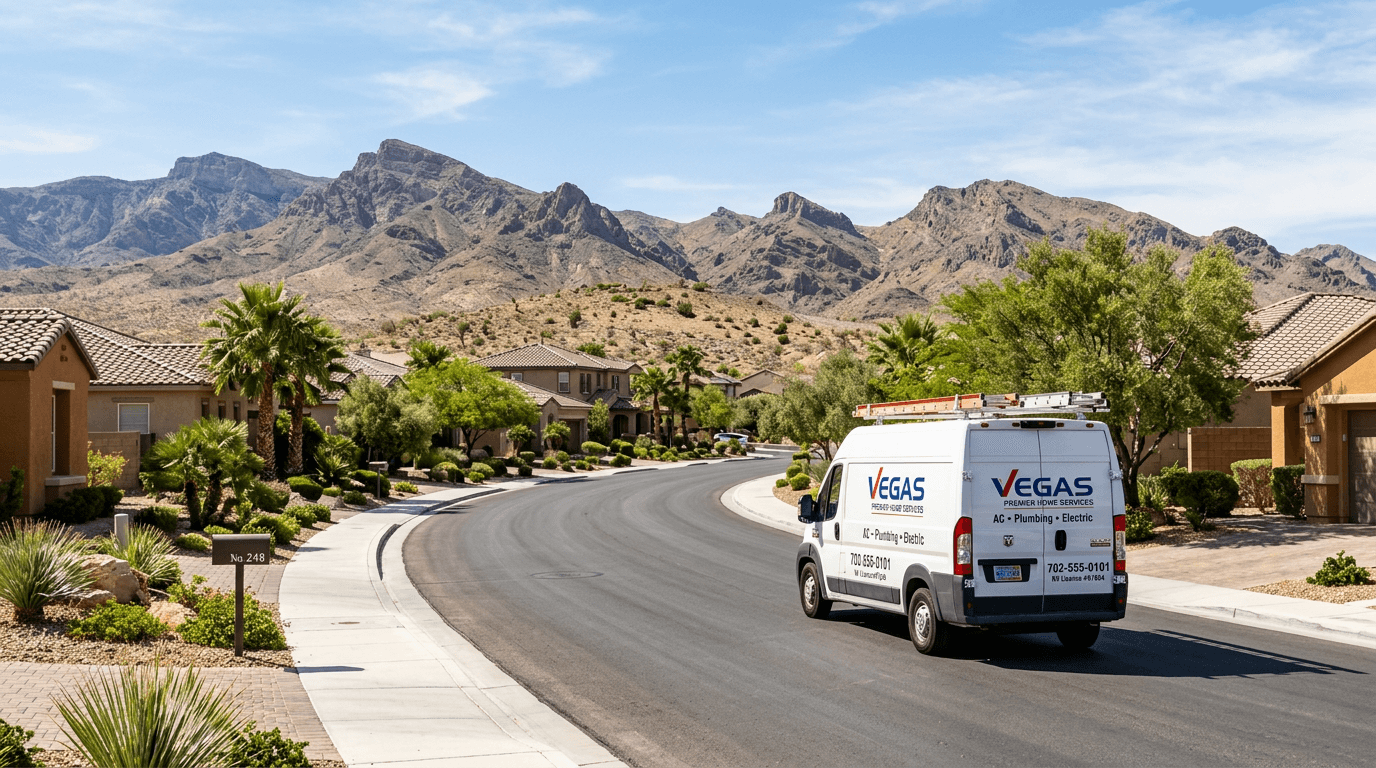
Here is a frustration I hear constantly: “I work all over the valley, but I only show up on Google when people search near my shop.” If you are based in Spring Valley but want jobs in Henderson, Summerlin, and North Las Vegas, you are fighting a real limit of how Google Maps works.
Google Maps rankings lean heavily on proximity, meaning how close your business is to the person searching. You cannot move your address, but you can make it much clearer to Google, and to customers, that you serve those other areas. Your website is where that happens.
Maps results vs. regular search results
When someone searches “electrician Henderson,” Google usually shows a map with three businesses, then regular website results underneath. Proximity matters a lot for the map. The regular results below depend more on your website’s content and relevance. Service area pages help you compete in both places.
Step 1: Set your service areas in your Google Business Profile
In your Google Business Profile, add the cities and areas you serve. If you go to customers instead of having them come to you, you can hide your street address. This will not override proximity, but it tells Google exactly where you work.
Step 2: Build one real page for each area
Create a dedicated page on your website for each main area you serve, such as “AC Repair in Henderson, NV.” Each page should be genuinely useful to someone who lives there, not a copy of your homepage with the city name swapped.
- Mention neighborhoods you actually serve, like Green Valley, Anthem, or Inspirada for Henderson.
- Share real jobs you have done there, with photos when you can.
- Include reviews from customers in that area.
- Address local needs, like older homes in certain neighborhoods or HOA requirements.
- Keep your tap-to-call button front and center.
Quick tip: Avoid “doorway pages”: dozens of near-identical pages that only change the city name. Google treats them as spam. Five strong, unique area pages beat fifty thin copies every time.
Step 3: Link it all together
- Add a “Areas We Serve” section on your homepage that links to each area page.
- Link from your service pages to relevant area pages, and back.
- Put your main service area in your page titles and headings naturally.
Step 4: Earn local signals in each area
Google looks for signs that you are truly active in an area. A few ways to build those signals:
- Ask customers in each area for reviews, and when they naturally mention the neighborhood, that helps.
- Post photos of jobs in those areas to your Google Business Profile.
- Get listed with local organizations, like the Henderson Chamber of Commerce.
- Sponsor or take part in local events, teams, or causes.
What not to do
- Do not create fake addresses or virtual offices to appear in other cities. Google can suspend your profile.
- Do not stuff city names into your business name on Google. That violates their guidelines.
- Do not copy and paste the same page for every city.
Set realistic expectations
Area pages will not put you in the Henderson map pack overnight if you are 15 miles away. What they do is give you a real shot in regular search results, help you capture searches the map misses, and give customers confidence that you really serve their neighborhood. Over time, that adds up to more calls from more of the valley.
The bottom line
You cannot change where your business is, but you can clearly show Google and customers everywhere you work. If you want help planning and writing area pages that actually sound local, call or text me and we can map out your valley together.