Google Maps
Open Now: How Your Business Hours Quietly Decide Your Google Maps Ranking
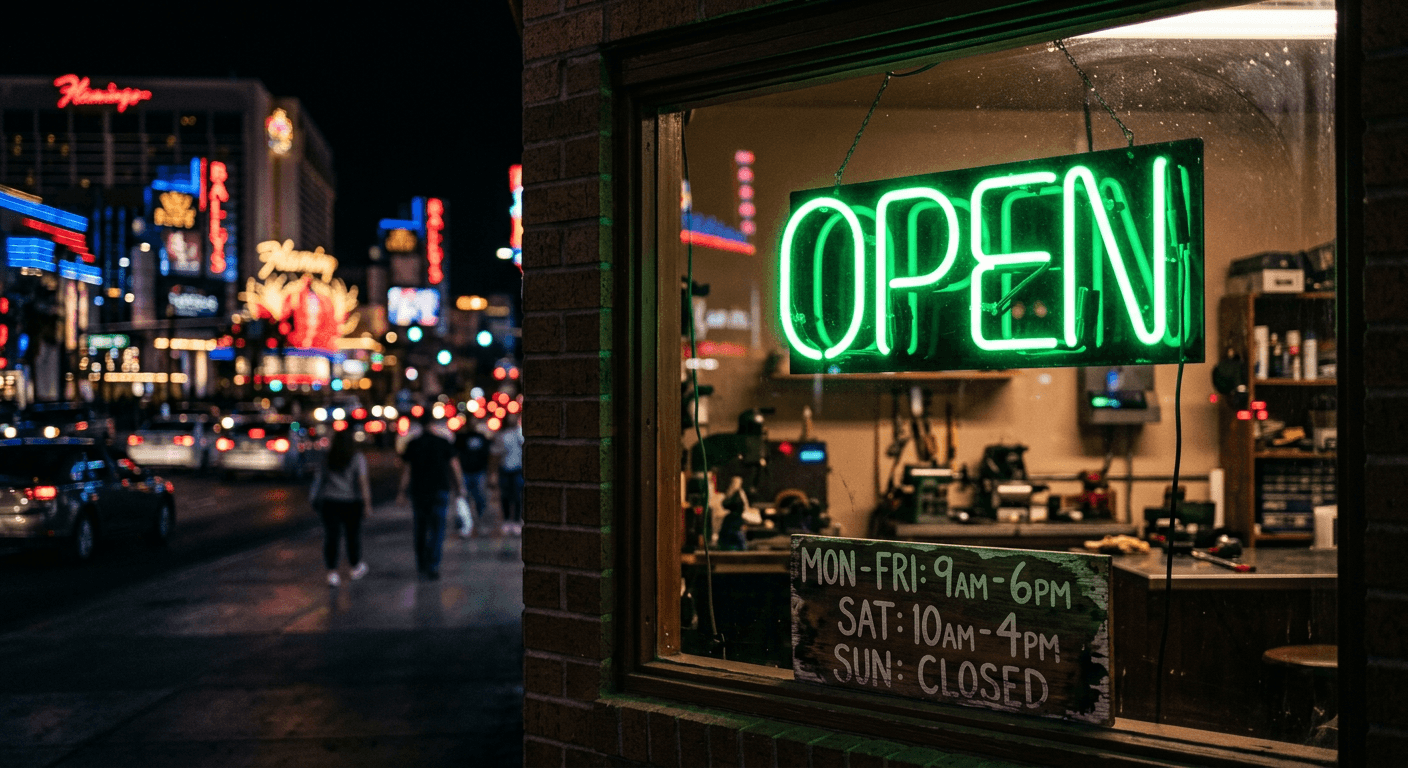
Las Vegas does not sleep, and neither do the searches. A pipe bursts at 9 p.m. in North Las Vegas. A tourist breaks a phone screen at 11 p.m. near the Strip. A Summerlin family needs a locksmith on a Sunday. In every one of those moments, Google is asking a simple question about your business: are you open right now?
Local SEO testers have noticed for years that businesses tend to drop in the map results when they are closed and come back when they open. Google has never published a formula, but it does show an Open Now filter and labels like "Closes soon," and searchers use them. Your hours are not just information. They are a visibility switch.
24/7
How the Las Vegas economy runs, with shift workers, casinos, and tourists searching at all hours
2x
The chances to show up when your listed hours cover evenings and weekends you actually work
1 click
The Open Now filter that can remove a closed business from the results entirely
The three hour mistakes that cost Las Vegas businesses calls
| Mistake | What happens | The fix |
|---|---|---|
| Hours list only office hours | You vanish at night even if you take emergency calls | List the hours you actually answer the phone |
| No holiday hours set | Google shows "Hours might differ" and people pick someone else | Set special hours before every holiday |
| Hours do not match the website | Google trusts your listing less and may suggest edits | Use the same hours everywhere |
Quick tip: Only list hours you can truly answer. If a customer calls during listed hours and gets voicemail, you lose the job and you invite a bad review. Honest hours beat long hours.
How to set up your hours the right way
- 1
Decide what "open" means for your business
If someone answers the phone and can book or help, you are open. That might be later than your shop door is unlocked. Many service businesses can honestly list 7 a.m. to 8 p.m. even if the office closes at 5.
- 2
Use "More hours" for special services
Google lets you add extra hour types, like delivery, pickup, or senior hours, depending on your category. If you offer emergency service, say so clearly in your description and services list.
- 3
Set holiday hours a week early
Las Vegas has busy weekends around major events, holidays, and fights. Set special hours ahead of time so Google never shows the warning label that sends customers to a competitor.
- 4
Route after-hours calls to a person
Use call forwarding or an answering service so calls during listed hours reach someone. A quick, kind answer at 8 p.m. often wins the job and the review.
- 5
Check your hours every month
Anyone can suggest edits to your profile, and Google sometimes accepts them. Log in monthly to make sure nobody changed your hours without you knowing.
- Morning (7-11 a.m.)70%
- Midday (11 a.m.-3 p.m.)85%
- Evening (3-8 p.m.)100%
- Night (8 p.m.-midnight)55%
- Late night (midnight-7 a.m.)20%
Illustrative pattern for home service searches. Your own Business Profile insights will show your real numbers.
Hours are also a customer care promise
Your listed hours are a promise. When you keep it, customers trust you before they ever meet you. When you break it, the first experience they have with your business is frustration. That is why we treat hours as part of customer care, not just a setting in a dashboard. It is one of the simplest ways Las Vegas marketing services and good operations work together.